
A calm coloring app for little hands.
Farbi turns an iPhone or iPad into a box of crayons. Pick a picture, choose a color, and start.
- No ads
- Made for ages 2–6
- Pictures stay on your device
- iPhone and iPad

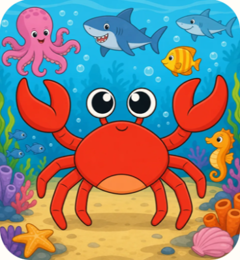
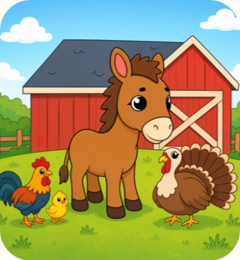
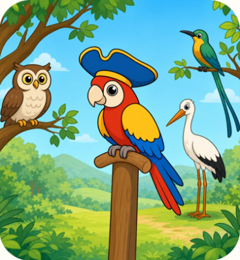

Pick a color, then tap the fox.
One sitting
Open it, color, put it down.
- 1
Pick a picture
Choose a picture from the shelf, or start with a blank page.
- 2
Fill or draw
Tap a shape to fill it, or draw with a crayon or marker. There’s no wrong way.
- 3
Keep it
Finished pictures go to My Art, ready to find again.

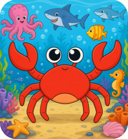
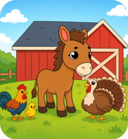


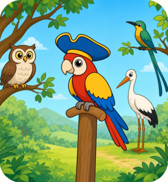
Worlds
Home is a little room, not a menu.
A picture to color sits on the wooden board. The pad is for blank pages. Every pack waits on the shelf. Tap the round window to change the World.


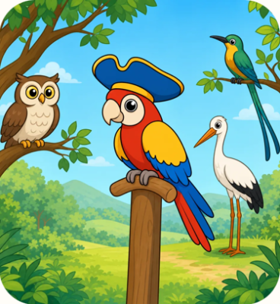
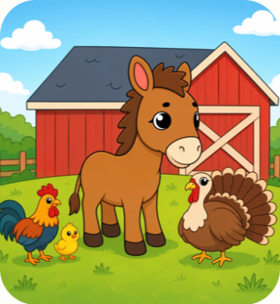
Try it
Color it their way.
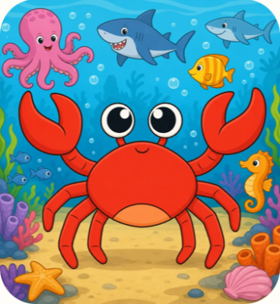
Try it here. Pick a color and a tool, then tap the picture.
Crayon
Waxy, textured strokes.

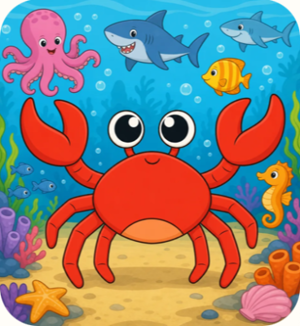
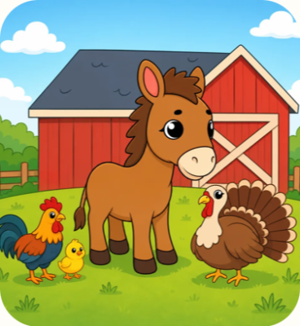

My Art
Their little gallery.
Everything they make waits in My Art, hung on the wall like it belongs there.
Made like art supplies, not like a game.


Big tools, easy to fix
Big, forgiving tools and Undo always close, so a wobbly line is easy to fix.
Works without wifi
Coloring happens on the device, so Free Drawing, My Art and every picture you’ve opened work without a connection. Farbi needs the internet the first time to fetch its pictures, and again for a picture you haven’t opened yet.
Their pictures stay with you
Everything they make is kept in My Art, on your device. Farbi never receives it. A parent can share a picture when they choose.
Grown-up things stay with grown-ups
Buying, sharing and links out of the app sit behind a parent gate.
What we left out
We kept taking things away.
A coloring page should feel like paper and crayons. Each of these pulls a child away from the page.
- Ads
- Timers
- Scores & streaks
- Coins
- Pop-up offers while they color
- Sign-ups & logins

Subscription
Family Pass
Families pay for Farbi; advertisers don’t. Family Pass unlocks the full library and helps us keep adding new pictures.
Family Pass is an auto-renewing subscription, monthly or yearly. The price is charged to your Apple Account when a grown-up confirms the purchase, and renews each period unless it’s canceled at least 24 hours before the period ends. Manage or cancel any time in your App Store account settings. See the Terms and Privacy Policy.
Monthly or yearly
Shared with your family through Apple Family Sharing. The price is shown in your local currency in the App Store before a grown-up confirms.
- Every picture in the library
- Free pictures stay free
- Apple Family Sharing included
- Cancel any time in your App Store account settings
Questions parents ask
What age is Farbi for?+–
Farbi is made primarily for children ages 2 to 6. Younger children can tap to fill a shape. Older ones can use the crayon, marker and other tools, or draw on a blank page in Free Drawing.
Does Farbi work without wifi?+–
Yes, for pictures you’ve already opened, and for Free Drawing and My Art. Farbi needs the internet the first time you open it, to fetch its pictures, and again for any picture you haven’t opened yet.
Will my child see ads?+–
No. Farbi has no ads anywhere in the app and no sponsored content. Families pay for Farbi; advertisers don’t.
Can my child buy something by accident?+–
Buying, sharing and links out of the app sit behind a parent gate. Apple also asks you to confirm every purchase.
Does my child need an account?+–
No. There’s nothing to sign up for or sign in to. Farbi does create an anonymous identifier for your installation so it can fetch pictures and keep track of your subscription. The Privacy Policy explains more.
Where are my child’s pictures kept?+–
In My Art, on your iPhone or iPad. They aren’t uploaded to us, so Farbi never receives them.