What we saw
The same card, twice.
In an early version, we watched a child tap a pack card to open it. Later, when going back, they tapped the same card again. We had not designed that card as a way back. Our screen did not read the way we expected it to.
Today, the cover of an open pack also works as Back.
The shelf
Bigger is not the whole answer.
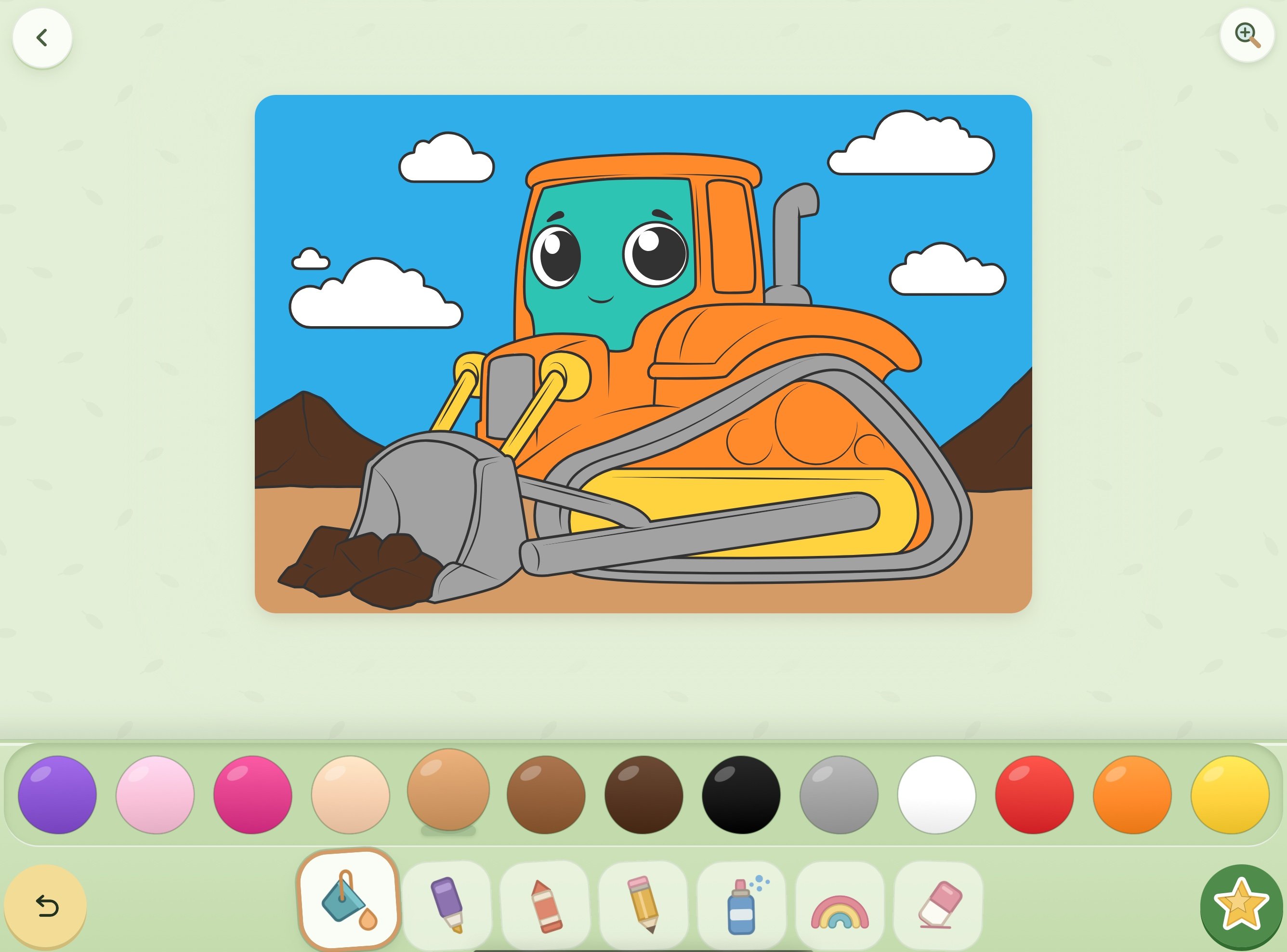
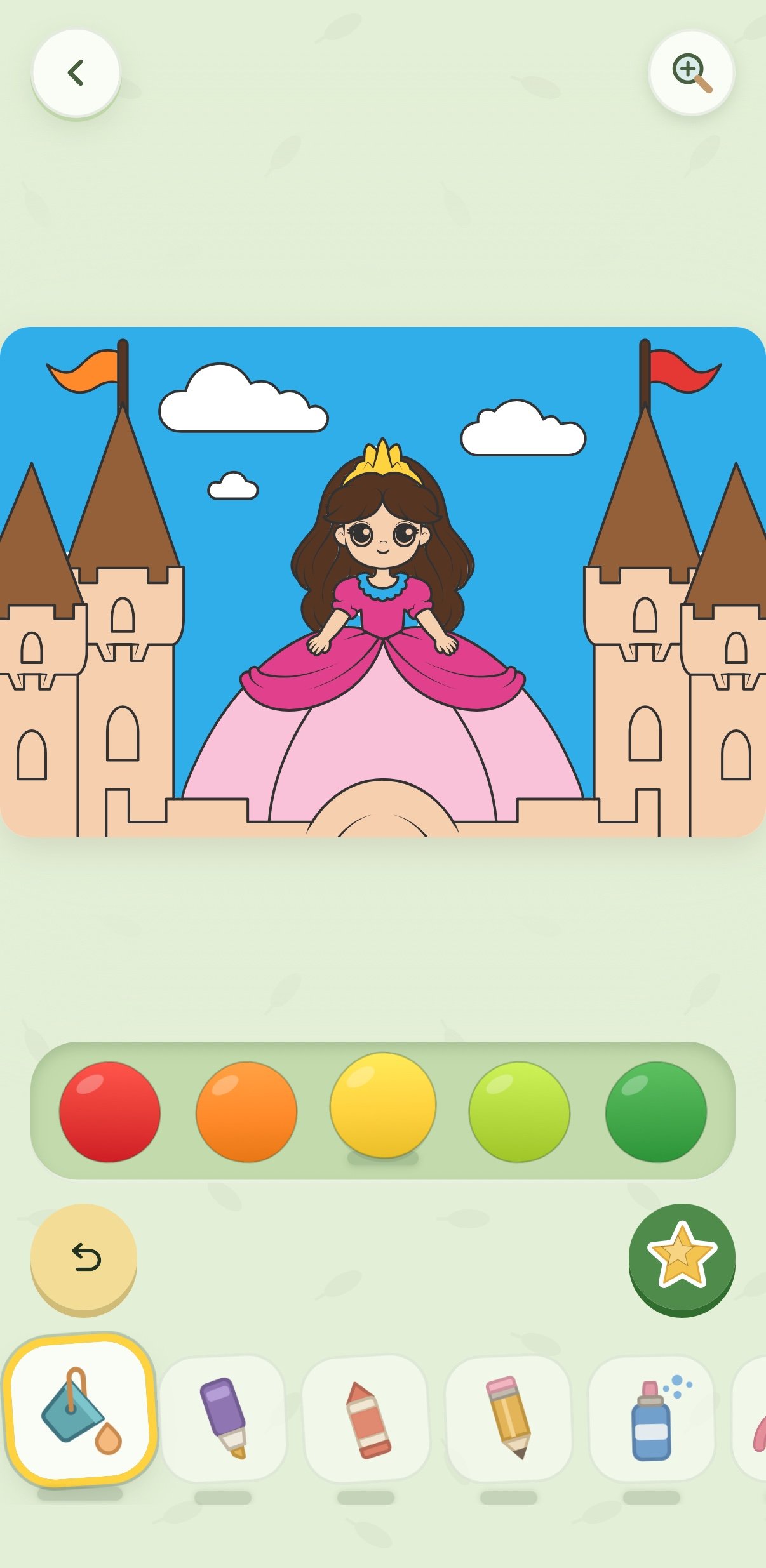
Large controls help. So do spacing, order, and how many things compete for attention. This is the shelf from the coloring screen. Tap a tool or a color.
Seven tools and a strip of 21 colors that scrolls. Some tools bring their own row or a brush-size control. The picture stays the main thing on screen, and the shelf waits below it. A tapped tool lifts. A chosen color rises from its socket. A tapped shape fills.
Mistakes
Undo stays in one place.
Coloring means tapping the wrong shape sometimes. We wanted the way back to be quick, so Undo is one large button that stays in the same place while you color.
Try it. Fill a few shapes, then tap Undo.
iPhone and iPad
The layout changes with the screen, not the way Farbi works.
The screens are different sizes, so the pieces sit in different places. The picture, Undo, the colors and the tools are on both.